 Complete guide
7 min read
ViviMate IPTV Guide: What It Is and How It Works
New to IPTV? Start here. How ViviMate delivers live TV and on-demand content over the internet, and what you need at home to watch it.


Guides & articles
Complete guide7 min read
New to IPTV? Start here. How ViviMate delivers live TV and on-demand content over the internet, and what you need at home to watch it.
 Setup
Setup9 min read
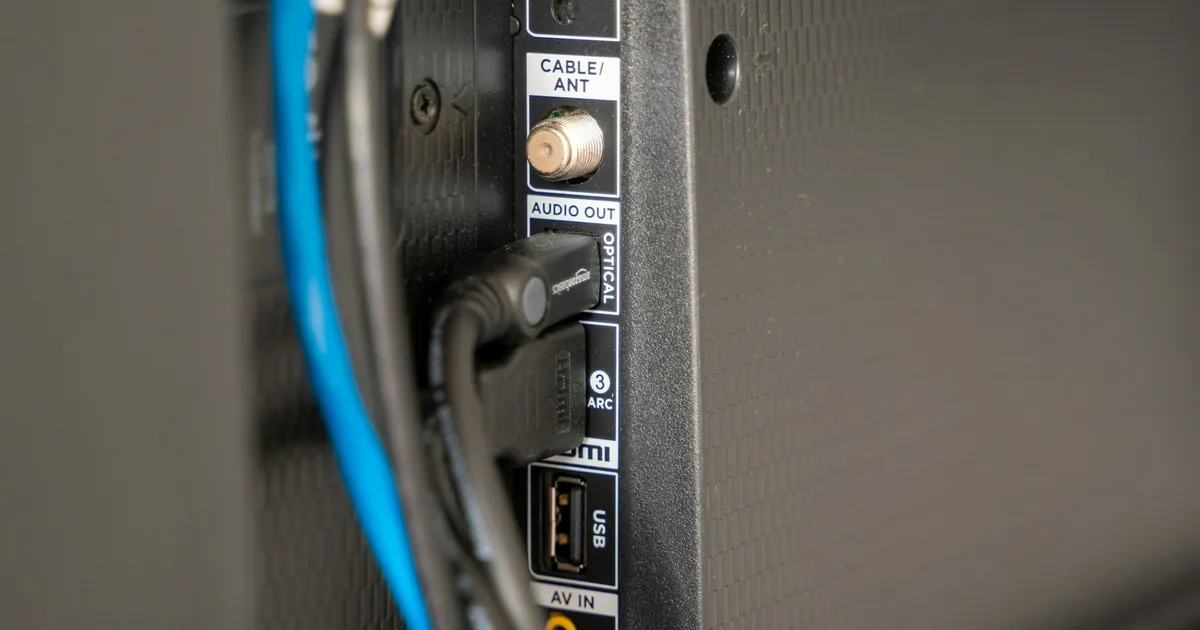
From login details to your first channel: how to set up ViviMate on Smart TVs, Fire TV, Android, iPhone, Mac, PC, consoles and MAG devices.
 Plans
Plans6 min read
Every plan includes the same features, so the real decision is length. Here's how to pick, what to check first and what happens after you order.
 Fire TV
8 min read
A complete walkthrough for Amazon Fire TV devices: picking the right model, installing a player, logging in and getting smooth playback.
 Ultra HD
7 min read
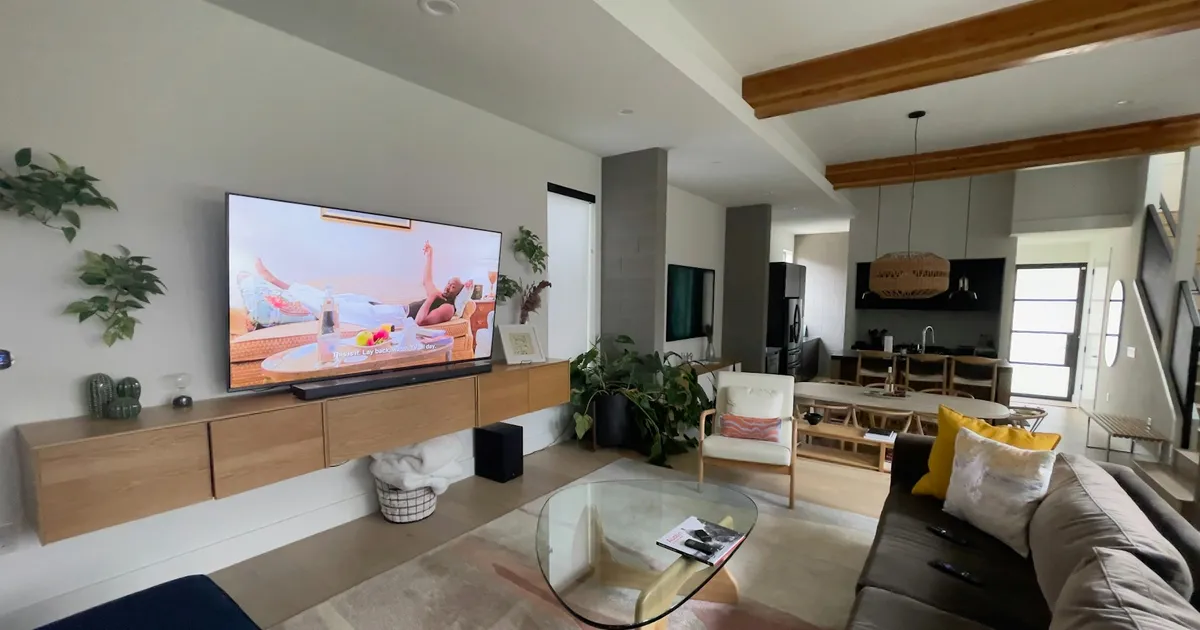
Ultra HD only shows up when every link in the chain supports it. Here's the checklist for 4K and 8K, and an honest look at how much 8K content exists.
 TV guide
6 min read
The TV guide turns a long channel list into something you can actually browse. How it works, how to load it, and what to do when it's blank or the times are wrong.
 Troubleshooting
8 min read
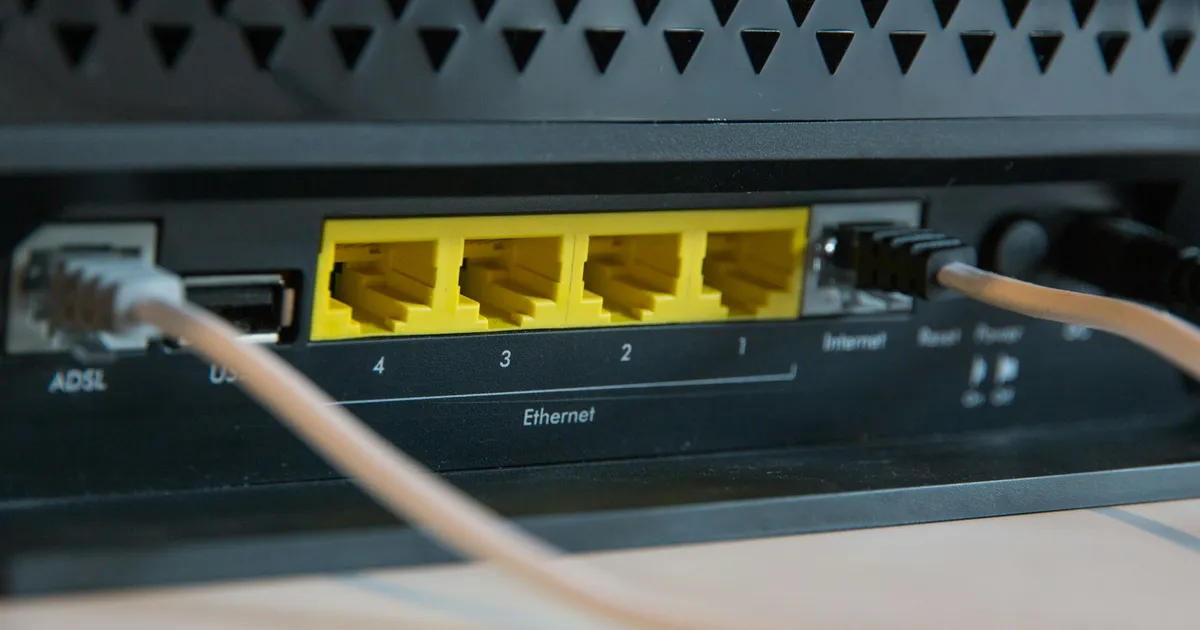
Buffering, rejected logins, silent channels: most IPTV problems have a simple cause. Work through these fixes before contacting support.
 Smart TV
7 min read
No stick, no box: how to run ViviMate straight from your TV's own apps, from choosing a player to fixing picture settings.
 Android
7 min read
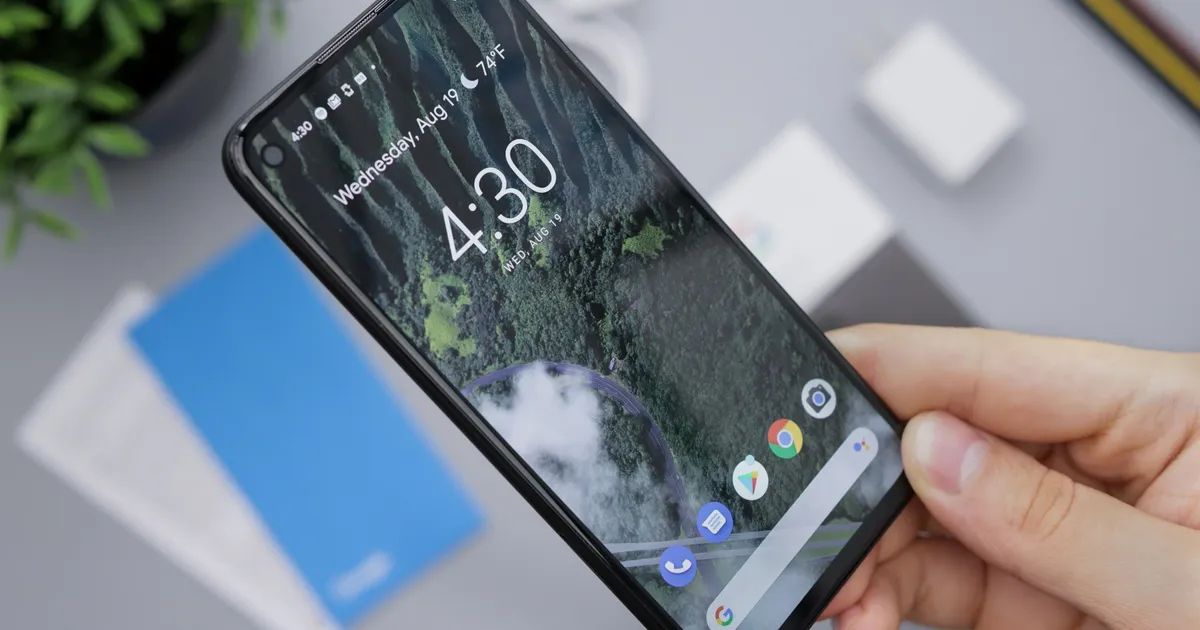
Android covers everything from phones to TV boxes, and the right player differs for each. Here's how to set up ViviMate on all of them.
 iPhone & iPad
6 min read
Your phone and tablet are the easiest second screens. How to set up ViviMate on iOS and keep playback smooth at home and on the move.
 Mac & PC
6 min read
A computer is the quickest way to test your ViviMate login and a handy screen for the desk. Two ways to watch on Mac and Windows.
 MAG
MAG6 min read
MAG boxes don't need an app: they connect through a portal linked to the box itself. Here's the full setup and what to do when the portal won't load.
 Players
7 min read
ViviMate is the subscription; the player is the app you watch it in. A side-by-side look at the supported players and how to choose between them.
 Login formats
7 min read
Your ViviMate login can come as an M3U link or an Xtream Codes login. What each one is, how they differ in practice, and which to pick for your player.
 Catch-up
6 min read
Missed the match or the evening news? Catch-up lets you go back on supported channels. How to find it, use it and fix it when the timing is off.
 VPN
VPN6 min read
ViviMate works with a VPN. When it's worth using one, where to install it, and how to avoid the slowdowns that come with a poorly chosen server.